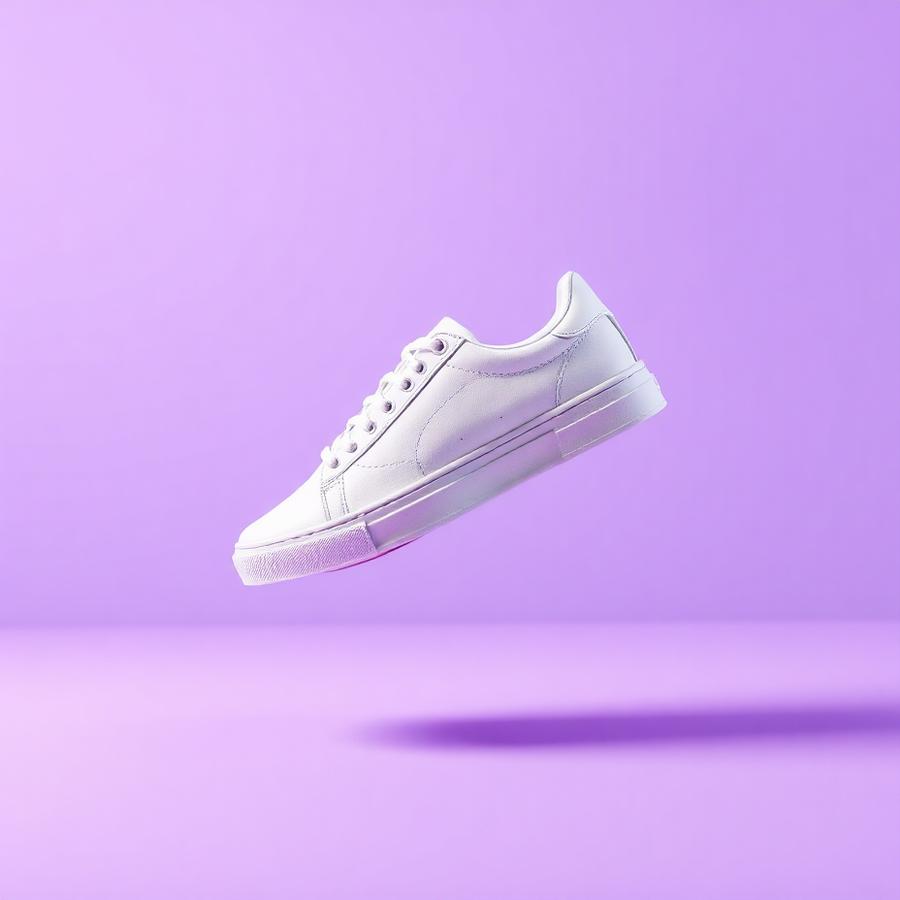
Ecommerce products
Ship crisp, on-brand product shots that meet Amazon, Shopify, and Etsy image guidelines in seconds.
Upload a JPG, PNG or WebP image and download a transparent PNG — no registration, no watermark and no file uploads, because background removal runs on your own device.
This free image background remover keeps fine detail such as hair and fur, and gives you a transparent PNG you can drop straight into a store listing, presentation or design.
BGZaply separates the subject from the background and keeps difficult edges such as curls, wispy fur and soft, translucent detail. There is no manual masking and no green screen.
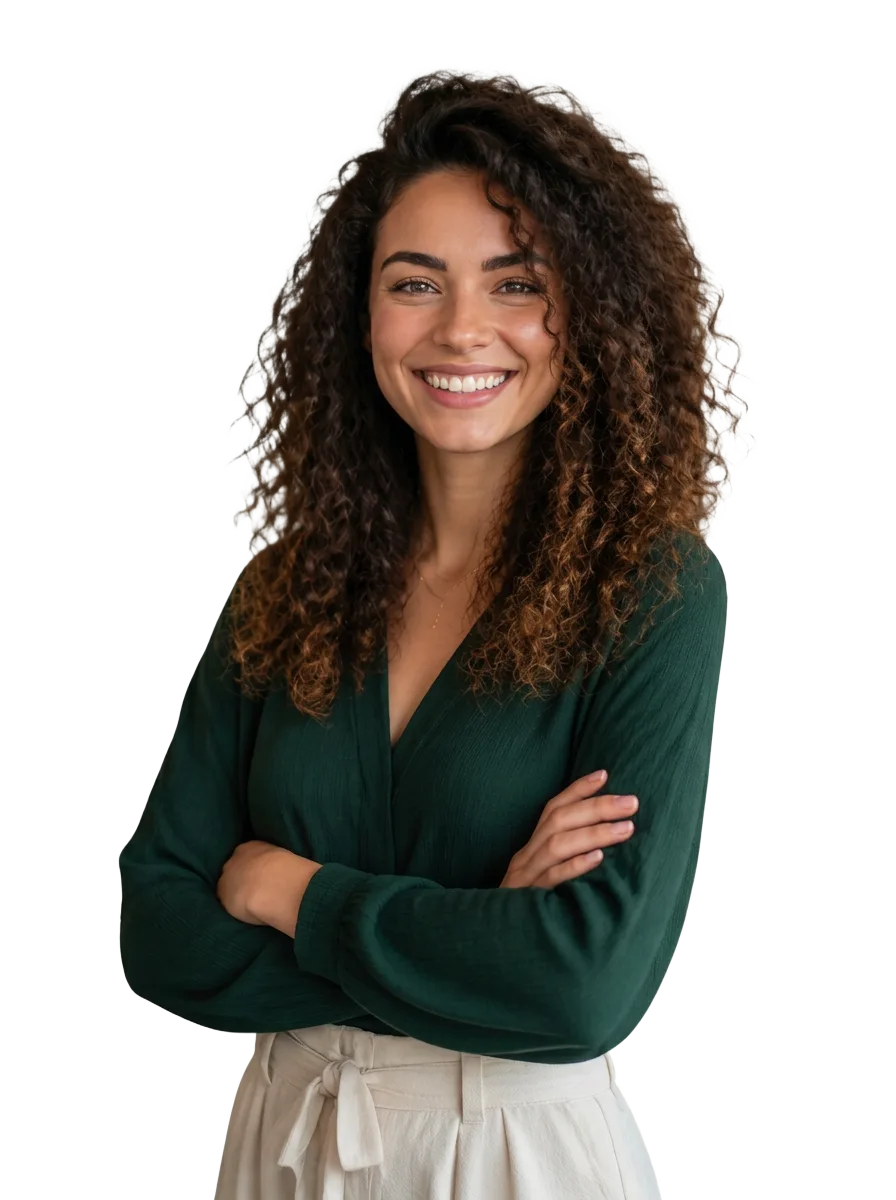

From online sellers and creators to marketers and small businesses — BGZaply fits into every visual pipeline.
Ship crisp, on-brand product shots that meet Amazon, Shopify, and Etsy image guidelines in seconds.

Turn any snapshot into a polished headshot for LinkedIn, résumés, team pages, and speaker bios.
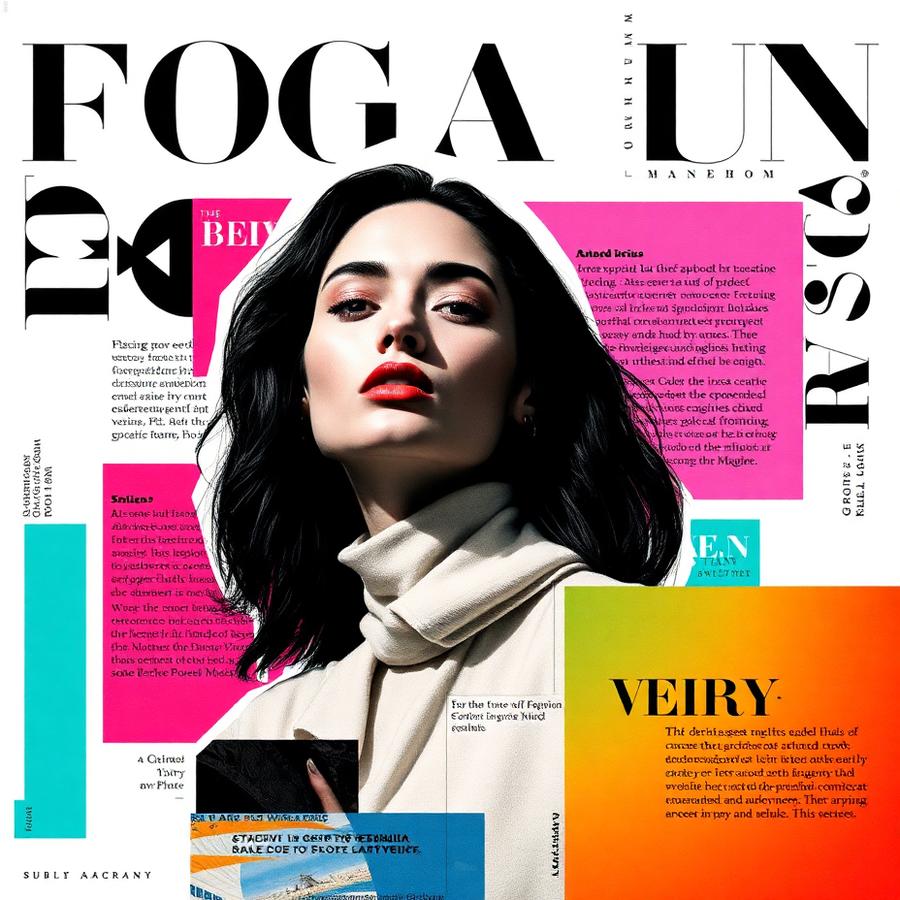
Compose thumbnails, posters, and social graphics with clean cutouts you can layer anywhere.
Built for creators, sellers, and marketers who ship every day.
Keeps hair, fur and fine translucent detail, including on images with busy backgrounds.
Background removal happens on your own device, so those images never reach our servers.
After a short warm-up on the first image, later images are processed quickly on most modern devices.
Download a clean transparent PNG ready for Shopify, print, banners, thumbnails, or a new backdrop.
No accounts, no emails, no credit cards. Open the site, drop an image, get your result.
Because background removal happens on your device, there are no daily limits or hidden paywalls.
Drop your photo or click to browse. JPG, PNG, or WEBP up to 25 MB.
BGZaply detects your subject and clears the background for you, right in your browser.
Save your cutout, then upload another — no waiting, no limits.
Turn raw product shots into clean transparent PNGs that drop straight into your store.
Fine detail is preserved, so cutouts look natural without manual masking.
Layer subjects onto any background for social posts, thumbnails and banners.
Every tool is free to try — nothing to install and no account required.
A practical guide to AI background removal: how it works, what affects quality, and how to use it for cleaner images.
Practical guide to background removal for real estate photos, including use cases, workflow, quality checks, and ethical editing tips.
Use background removal to create cleaner, faster, more consistent social posts for Instagram, TikTok, Facebook, LinkedIn, Pinterest, and more.
Make an image background transparent and download a PNG.
Brush over something unwanted and rebuild the background.
Clear a stamp or overlay from an image you own.
Generate a logo concept and download it as a PNG.
Drop your image and download a transparent PNG. No account required.
Need branding too? Try the free AI Logo Generator or remove objects from photos.